How to Submit a bh5555 Withdraw Request
Withdrawing at bh5555 takes three to five minutes once your account is verified. Follow these steps in order and your money will reach your mobile wallet in around 17 minutes on average.
-
Log in to bh5555
Open the bh5555 login page, enter your phone number and password. Use the same number linked to your bKash or Nagad wallet.
-
Open the Cashier
Tap the wallet icon in the top-right corner, then choose Withdraw from the dropdown. The cashier works on both browser and the bh5555 App.
-
Choose a Payment Method
Select bKash, Nagad, Rocket, or Upay. Enter the mobile number registered with that wallet — it must match your bh5555 account name.
-
Enter the Amount
Type in the amount you want to withdraw. Minimum is ৳1,500 and the daily cap is ৳50,000. Your available balance is shown on-screen.
-
Confirm and Wait
Tap Confirm Withdrawal. You will see a request ID on screen. Funds typically arrive within 17 minutes; check your wallet's transaction history if you do not see the credit straight away.
Your KYC must be approved before your first withdrawal goes through. First-time KYC review takes up to 6 hours, but most accounts are cleared within 1 hour during business hours.
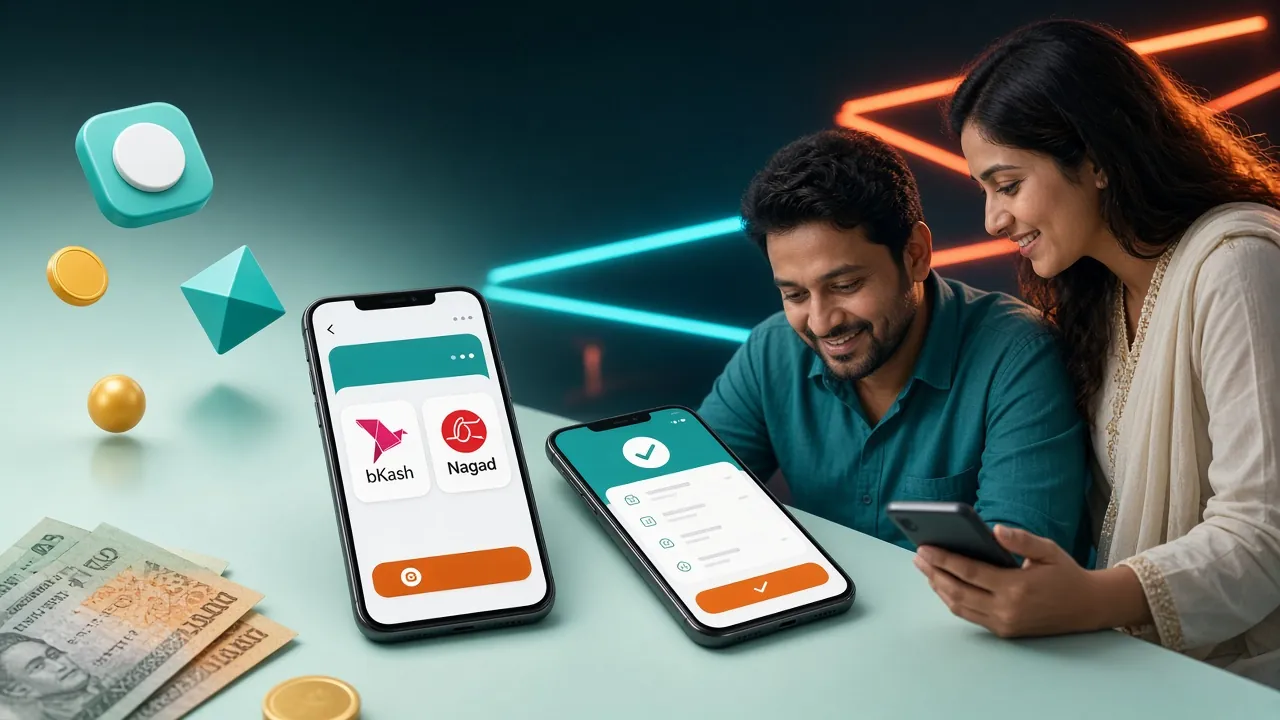
Withdrawal Limits & Arrival Times
These numbers apply to all verified accounts at the Classic VIP level. Higher tiers get larger daily limits — see the Bonus & VIP page for the full breakdown.
| Detail | Amount / Time | Notes |
|---|---|---|
| Minimum withdrawal | ৳1,500 | Per single request |
| Maximum single request | ৳50,000 | Classic tier daily cap |
| Average transfer time | ~17 minutes | Peak hours may be slightly longer |
| First-time withdrawal | Up to 1 hour | After KYC is approved |
| Requests per day | Unlimited | Subject to daily ৳50,000 cap |
VIP Plus members have a daily limit of ৳98,000, Prime members ৳190,000, Elite ৳380,000, and Signature members up to ৳740,000. Reach a higher tier by meeting the monthly turnover threshold for that level.
Supported Payment Methods
All four mobile wallets are free to use and have no fees charged by bh5555. Processing fees from the wallet provider, if any, are outside our control.
| Method | Min. Deposit | Deposit Time | Min. Withdrawal | Withdrawal Time | Fee |
|---|---|---|---|---|---|
| bKash | ৳350 | ~6 min | ৳1,500 | ~17 min | None |
| Nagad | ৳350 | ~6 min | ৳1,500 | ~17 min | None |
| Rocket | ৳350 | ~6 min | ৳1,500 | ~17 min | None |
| Upay | ৳350 | ~6 min | ৳1,500 | ~17 min | None |
Always withdraw to the same wallet number you used for your most recent deposit. Sending to a different number is the most common reason for a failed withdrawal at bh5555.
Why KYC Is Required Before You Withdraw
KYC (Know Your Customer) is a one-time identity check. bh5555 requires it before processing your first withdrawal. It confirms that your account belongs to a real person aged 18 or older, and that the wallet you are withdrawing to is yours.
Once approved, you do not need to repeat the process unless you change your registered mobile number or we detect unusual activity. The whole thing takes fewer than 10 minutes to submit, and review usually completes within 6 hours.
Documents bh5555 Accepts for KYC
Submit any one of the following. You do not need all three — just whichever you have to hand.
All documents must be valid (not expired). The name on the document must exactly match the name on your bh5555 account and on your mobile wallet.
How to Upload Your Documents
-
Go to Account Settings
After logging in, tap your avatar or username in the top-right corner and select Account Verification from the menu.
-
Select Document Type
Pick NID, Passport, or Driving Licence from the dropdown. This tells the system which fields to show.
-
Upload Photos
Tap Upload Front and, if prompted, Upload Back. Use your phone camera or upload from gallery. Files up to 5 MB are accepted (JPG, PNG, PDF).
-
Submit for Review
Tap Submit Documents. You will see a "Pending Review" status. The bh5555 team reviews submissions within 6 hours and notifies you by on-site message.
Photo Requirements — Get It Right the First Time
Poor photo quality causes most KYC rejections. These guidelines apply to all document types:
- Take the photo in good natural or indoor light — no dark shadows across the text.
- Lay the document flat on a plain, dark surface.
- All four corners of the document must be visible inside the frame.
- Text and numbers on the document must be sharp and readable — no blur.
- Do not use a screenshot of a photo you already took; upload the original file.
- No editing, cropping, or digital alterations — submit the document as-is.
- File size must be at least 100 KB and no larger than 5 MB.
Withdrawal Rejections — Causes and Fixes
If your withdrawal is declined, bh5555 sends a reason code with the notification. Here are the most common issues and how to resolve them quickly.
| Reason | What Happened | How to Fix It |
|---|---|---|
| KYC pending | Documents not yet reviewed | Wait for the 6-hour review window; resubmit if rejected with reason |
| Wrong wallet number | Withdrawal number differs from deposit number | Use exactly the same mobile number you deposited with |
| Wagering not met | Bonus funds need 8× turnover before withdrawal | Check your wagering progress in the Promotions tab |
| Below minimum | Amount entered was under ৳1,500 | Increase the amount to at least ৳1,500 |
| Daily limit reached | Requests already totalled ৳50,000 today | Wait until midnight (UTC+6) for the limit to reset |
| Name mismatch | Account name differs from wallet name | Contact Live Chat to update your registered name with proof |
| Blurry document | KYC photo unreadable | Retake in better lighting and resubmit |
Need help with a stuck withdrawal?
Our support team is available around the clock. Open Live Chat from inside your account for the fastest response — usually under 2 minutes.
Your First Withdrawal — What to Expect
The very first time you withdraw from bh5555, the process has one extra step: manual review by the payments team. This is standard across all new accounts and exists to protect your funds.
Typical timeline for a first-time withdrawal:
- Submit KYC documents (takes you ~5 minutes).
- bh5555 team reviews KYC — up to 6 hours, often within 1 hour.
- Once approved, submit your withdrawal request via the cashier.
- First-time requests go through an additional security check — allow up to 1 hour total.
- All subsequent withdrawals average 17 minutes with no manual review.
Tip: Get your KYC done the day you register, before you need to withdraw. That way there is zero waiting time when you are ready to cash out.
How bh5555 Handles Your KYC Data
Your documents are used solely to verify your identity. bh5555 stores them on encrypted servers and does not share them with third parties outside of legal compliance requirements.
Specific privacy commitments:
- Documents are encrypted at rest and in transit using industry-standard TLS.
- Only the compliance team has access to uploaded files.
- You can request deletion of your data at any time by contacting [email protected].
- bh5555 does not sell or rent personal data to advertisers or marketing companies.
- Read the full Privacy Policy for complete details on data retention and your rights.
- SSL Encrypted
- KYC Protected
- 24/7 Support
- bKash & Nagad
- 18+ Only
Questions Players Ask About bh5555 Withdrawals
How long does a bh5555 withdrawal take?
What is the minimum amount I can withdraw?
Can I cancel a withdrawal request after submitting it?
What should I do if the money has not arrived after 30 minutes?
Can I withdraw bonus winnings? What is the wagering requirement?
Can I withdraw to a different mobile number than the one I deposited with?
My NID has expired — can I still use it for KYC?
Ready to play and cash out?
Create your bh5555 account in under two minutes, make a first deposit of at least ৳350, and you are ready to play. Complete KYC the same day so there are no delays when you withdraw.
Already registered? Log in here · Playing on the go? Get the bh5555 App
18+ · Play Responsibly · bh5555 supports responsible gambling. Set deposit and time limits in your account settings.